


Ever get stressed trying to plan every tiny detail of your trip? Imagine spending a morning at a famous museum, wandering through busy streets in the evening, and still finding a cozy spot in a local café to unwind. This guide shows you how to create a detailed plan for your trip (that is, an itinerary) that fits your interests while leaving space for fun, unexpected detours. We toss in friendly insider tips so you can cruise through your day without missing the special moments that make travel so magical.
Essential Steps to Create Itinerary for Trip
Start by writing down the top things you simply can’t miss in each destination. Think about which landmarks deserve extra time, maybe even half a day, like spending your morning at a famous museum where every corner tells a story. For example, you could note: "Spend half a day at the landmark museum, experience history unfolding right before your eyes."
Next, decide how many nights you'll spend in each place. Big cities might call for 5 to 6 nights, while smaller towns can be explored in just 1 or 2. It all comes down to matching your interests with the right amount of time. Picture yourself soaking up the energy of a bustling city for a few evenings and then enjoying the quiet charm of a small town.
Keep your schedule flexible to allow for those spontaneous detours that make travel so exciting. Plan a few must-see stops, but leave gaps for surprises, like stumbling into a local café or wandering down a cozy alley. I once left an afternoon open and ended up discovering a lovely art workshop, which quickly became the highlight of my trip.
Finally, move away from rigid paper maps and clunky Excel sheets. After losing a detailed plan on my first day in London, I switched to a digital organizer, and everything flowed much more smoothly. Use tools that combine dependability with room for the unexpected, and you’ll find that every travel moment holds the potential for a delightful surprise.
create itinerary for trip: Seamless Planning
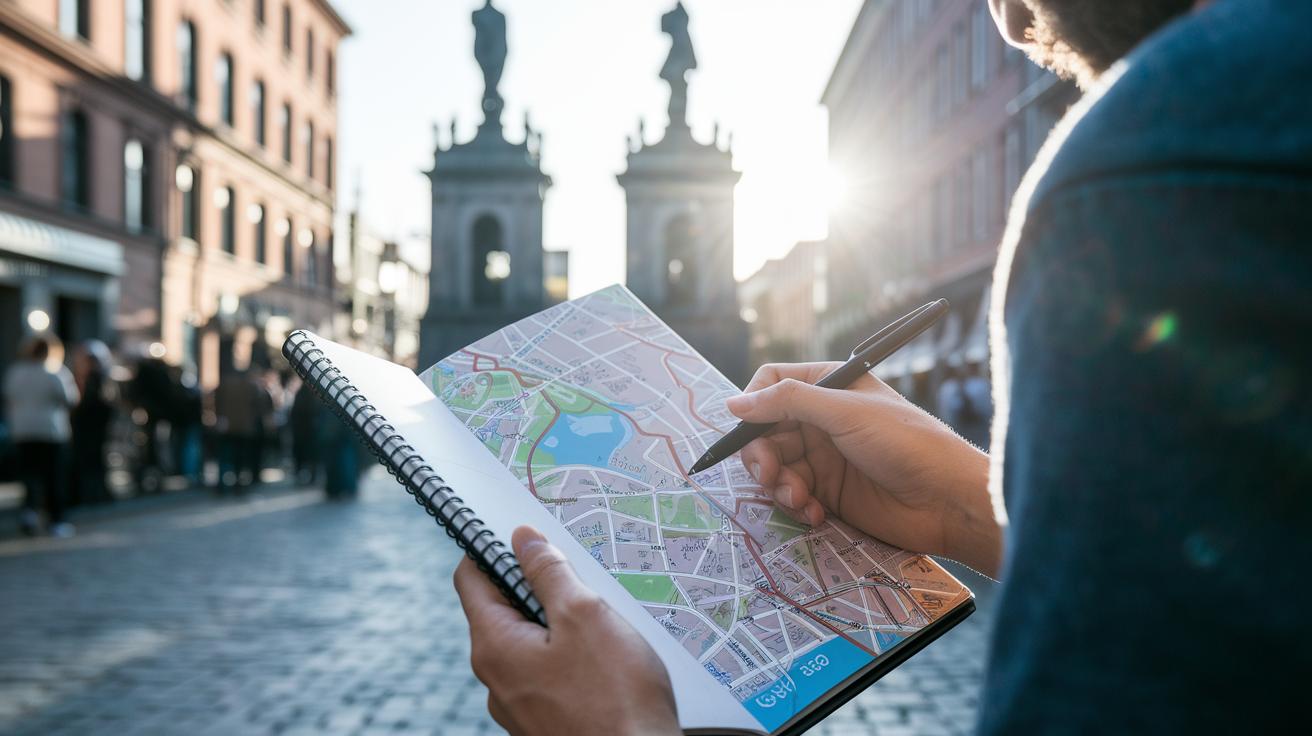
Start by checking out what each place has to offer. Look into the local history, culture, food, and nightlife to shape your plan. For example, if you love history, you might spend your morning at an old monument where each stone has a story.
Break big cities into smaller parts like neighborhoods or even different sides of the city. This way, you can enjoy one area at a time without getting overwhelmed. And if one spot has strict visiting hours or needs a reservation, make a note of it so you don’t miss out.
Here are some simple steps to set up your plan:
- Look into each destination’s vibe and list down spots that match what you like.
- Break up large cities into sections like neighborhoods or well-known areas.
- Mark places with fixed hours on your schedule to avoid any timing hassles.
To keep everything organized, try using a tool like Google Maps’ Saved Locations feature. Imagine it as a digital scrapbook where every pin is a memory waiting to be made. This flexible plan gives you a clear guide while leaving plenty of room for surprise adventures.
Organize Logistics with Route Planner and Spreadsheets
Begin by creating your own custom map with Google My Maps. Imagine setting up the map to show blue pins for cozy cafés, red pins for tasty restaurants, and green pins for top sights. You might even jot down a note such as, "Mark this charming coffee shop in blue because its inviting aroma and cozy vibe make it a must-visit."
Next, bring your list of favorite spots into the picture. You can add them using CSV files, Excel documents, or Google Sheets. When you import, choose the columns for Name and Address so each spot shows up where it should, kind of like putting together a fun puzzle. For instance, make sure you extract the café’s name along with its street address so every marker lands exactly where you expect.
Then, set up a simple day-by-day spreadsheet to lay out your plans. Include columns for details like arrival and departure times, what you plan to do, and any extra notes. Picture a row that says: Date: 07/15, Arrival: 8:00 AM, Activity: Visit the local market, Notes: Look out for seasonal events. This format makes it really easy to tweak your schedule, especially if a place has set hours or needs a reservation.
Finally, try out route-optimization tools to fine-tune your travel paths. These handy tools are great for planning efficient routes on multi-stop trips and are especially useful when exploring a busy city. With everything organized in your personal trip plan, you can enjoy the best of both worlds, a clear, structured itinerary with room for spontaneous adventures.
Top Online and Mobile Tools for Itinerary Creation
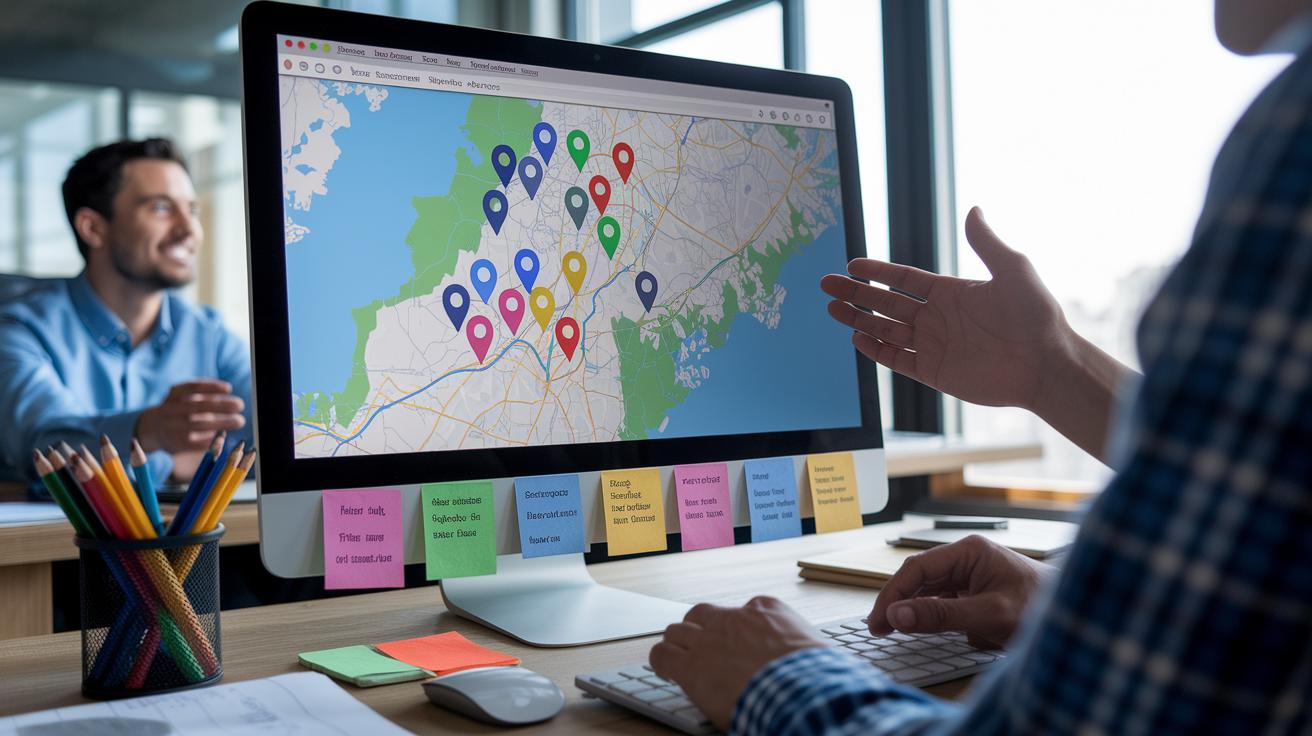
Google My Maps on a desktop lets you do more than its mobile version. It lets you drop up to 2,000 pins across 10 layers and even works with Google Calendar (a tool for scheduling events). For instance, you might color-code favorite coffee spots in blue and landmark sites in green. This powerful tool makes it simple to create detailed maps, unlike many mobile apps that keep things basic.
Google Lists and special route apps work great if you need quick, mobile-friendly features. Google Lists gives you a simple checklist to keep track of places you don’t want to miss. Meanwhile, route apps can adjust driving directions for trips with multiple stops so you don’t have to redo your map from scratch.
There’s also a new trend in travel planning with AI itinerary designers. These smart tools update your plan automatically when things change. Imagine your schedule being reshuffled instantly if a booking gets updated. This smart, device-based support adds a unique twist compared to standard online planners.
Budgeting and Checklists for a Budget-Friendly Travel Plan
Start by double-checking prices and availability for flights, hotels, rental cars, tours, and transfers before you book anything. For instance, if you notice a cheaper flight on one day rather than another, jot it down. This little tip stops any surprises later on.
Gather all your must-know details, flight numbers, hotel addresses, local maps, and the latest exchange rates, and store them in one master file. Think of this file as your go-to travel buddy that helps you find what you need in a snap.
Make a travel planning checklist. Write down things like travel insurance, visas, and confirmed transfers. For example, you might note, "Review travel insurance policy to ensure it covers every destination," so you don’t miss anything when time is short.
Break down your daily spending in your itinerary spreadsheet, splitting costs into meals, transportation, and activities. This clear layout helps you stick to your budget. You could set up a row that reads, "Day 1: Meals $25, Transport $15, Activities $30."
- Check all bookings and prices before locking them in.
- Collect all your essential travel details.
- Use a checklist to keep important documents safe.
- Set daily budgets directly in your itinerary spreadsheet.
Sample Trip Layout and Templates

When planning your trip, a handy trick is to set up a day-by-day table that neatly organizes your plans. Imagine creating a table with columns like Date, Time, Activity, Location, and Notes. This way, you can easily slot in details whether you're scheduling a long vacation or just a quick weekend escape. For example, you could include an entry that says:
"Date: 08/20, Time: 9:00 AM, Activity: Visit local market, Location: Main Street, Notes: Arrive early for the best finds."
Below is a sample table to kick off your planning:
| Date | Time | Activity | Location | Notes |
|---|---|---|---|---|
| 08/20 | 9:00 AM | Visit local market | Main Street | Arrive early for the best finds |
| 08/20 | 12:00 PM | Lunch at a café | Downtown | Try the chef’s special |
| 08/20 | 3:00 PM | City Tour | Historic District | Book tour in advance |
Some travelers like to use bullet lists instead. For example, you might note down your day like this:
- 08/20:
- 9:00 AM: Visit the local market on Main Street
- 12:00 PM: Enjoy lunch at a café in Downtown
- 3:00 PM: Take a guided city tour in the Historic District
Both the table and the list work well. You can even try downloading editable trip blueprints in PDF format. Look for free planners that let you add colors to your plans or stick in extra notes. These formats can be adjusted for any journey, whether you're hopping between multiple spots or just planning a relaxed weekend break. The trick is to have a clear layout you can change as your plans come together.
Maintaining Flexibility in Your Travel Itinerary
When you're setting up your travel day, it's a good idea to have a backup plan in mind. Imagine jotting down a note like "If the museum is closed, visit the nearby gallery" so you can easily switch gears if things don't go as planned.
Book your top must-dos but leave plenty of open time for spontaneous local finds or those surprise shifts in the weather. Picture starting your day with a guided tour, then having the afternoon free to wander, maybe explore a local market or take a leisurely stroll. This mix keeps your schedule relaxed and fun.
Keep it simple:
- Choose one or two key attractions that you really don't want to miss.
- Carve out extra time to adapt your plans in case of a rain shower or a delay.
These straightforward tips help you enjoy the adventure without feeling tied down to a strict routine.
This Section Has Been Removed

We’ve decided not to repeat the information since you’ve already seen all the details earlier in the article. Everything you need is right up above, so there’s no reason to say it again.
Final Words
In the action, this guide broke down tips for planning a smooth, enjoyable trip. We shared ways to pick key attractions, map out your days, and handle details like budgets and accommodations. Small adjustments let you fit in spontaneous experiences while keeping your plan on track. Every suggestion helps you build a flexible schedule that suits your personal taste. Happy travels as you create itinerary for trip.
FAQ
What are travel itinerary templates and what formats are available?
The travel itinerary templates offer preformatted layouts in Excel and Word that help you arrange daily plans quickly and clearly for different trip types.
How can I create a free trip itinerary online or using an app?
The free trip itinerary process involves using online builders or dedicated apps that let you input details, customize schedules, and access plans from any device.
How do I make an itinerary for a trip?
The trip itinerary is made by listing must-see activities, allocating time for visits, and spacing out your schedule to allow for spontaneous stops along the way.
Can you create a trip itinerary in Google Maps?
The Google Maps itinerary is created by saving spots as custom lists or in My Maps, letting you visually track travel stops and plan routes with clear location pins.
What apps help create a trip itinerary, and can AI create one?
The apps like Wanderlog, TripIt, Roadtrippers, and Sygic Travel support trip planning, while some AI tools generate schedules automatically based on preferences.
How does Splitwise work with trip planning?
The Splitwise tool handles shared expenses by tracking who owes what among travel mates, making it a handy companion app for budgeting while planning your itinerary.